
Deskmind
Also our real support desk
An AI support inbox: automatic triage, draft replies grounded in your own help docs, and real two-way email — on a backend you own.
What was asked for
This is the specification the app was generated from — one prompt, published in full and unedited, rather than a summary of it.
Build an AI-powered customer support inbox for a small support team.

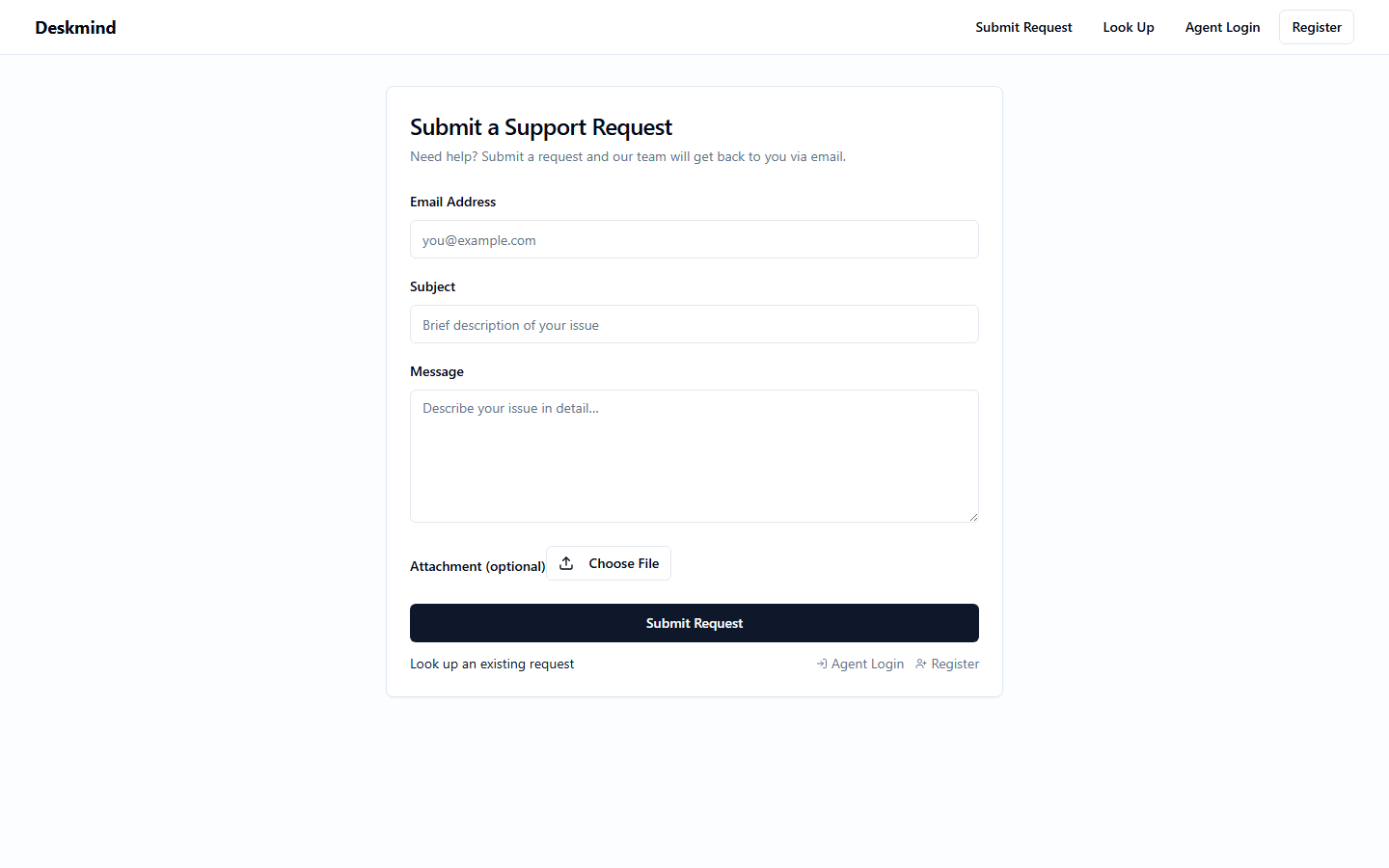
There are two kinds of people using the app. The support team's operator signs in with operator credentials configured in the environment — there is no operator signup page. Support agents register with email and password and have a profile with a name and an avatar image they can upload, but registering alone gives no access to the inbox: the operator must approve (promote) a registered account to agent before it can see or work on support requests, and the operator can revoke an agent's access later. There is also a public page where customers can submit a support request without logging in — they enter their email, a subject, a message, and can optionally attach a file or screenshot. After submitting, a customer can return to the public page and look up their own request(s) by entering the email address they used — no account needed — to see the current status and the full conversation, and to post a follow-up reply on their request (the follow-up is identified by that email).

When a new support request arrives, the system automatically uses AI to process it: it classifies the request into a category (Billing, Bug, Feature Request, or Other), assigns a priority (Low, Medium, High, or Urgent), extracts structured fields from the message into a side panel (order number, product name, customer sentiment, and the specific action the customer is requesting), and screens the message for abusive or threatening language, flagging it with a short written reason when it violates policy.

Logged-in agents see an inbox list of all requests sorted by priority, with the category and a flag indicator shown on each row. Clicking a request opens it to show the full message, any attachment, the AI-extracted fields, and the AI moderation verdict. Agents can write internal notes on a request that only other agents can see, and they can post a reply to the customer — and that reply is sent to the customer as a real email from the team's support email address. The customer's own replies (whether posted via the public lookup page or received by email) are threaded back into the same request so agents and the customer see one continuous conversation. There is an "AI draft reply" button that generates a suggested reply; the suggested reply must be grounded in help-center documents that agents upload (policy and FAQ documents), so answers are based on the team's real policies rather than guesses. Agents can edit a draft before sending and can mark a request as resolved.

Agents get a notification when a new High or Urgent request arrives.
What got built
- AI triage & drafts
- RAG over your docs
- Two-way email
- Operator admin
- File uploads
Things you can actually do in it
The app is live and public. Without taking our word for anything, you can:
- Submit a real support request — this is ConceptualAI's actual support desk, so it reaches us
- Ask anything about ConceptualAI — answers are grounded in our help docs and arrive as a real email
- Come back later, look up your request by email (no account needed), and post a follow-up — it threads into the same conversation
- Behind the curtain, staff-side: AI classifies, prioritizes, extracts details, and drafts doc-grounded replies for our team
The code
The repositories are public: a Deno backend carrying the generated test suite, the OpenAPI spec and a Dockerfile, and a React frontend built against that same spec. This is the export a build hands you — clone it and read it.
Every one of them has exactly one commit: "Initial export from ConceptualAI". Nothing has been hand-fixed after the fact, and you do not have to take our word for that — the commit history is public, and a second commit would be sitting right there if we had.
Why this one is here
It has a real backend
Authentication, persisted data, and the integrations above are running server-side against a real database — not mocked, and not a frontend pretending.
Its tests are in the repository
The concepts underneath — data, auth, the state everything else depends on — are accepted only once their generated tests pass against a real database. Those tests shipped with the code, so you can run them yourself.
It runs without us
No proprietary runtime and no SDK in between. Clone the backend and it runs anywhere a container runs.
You would own this one
An equivalent build hands you both repositories on any plan — Free included, once you have the three credits a minimum build costs. See pricing.
Build something like this
If this looks like the thing you are trying to build, describe yours in the builder. If it looks like less than what you need, our honest comparison covers when an app builder or a development shop is the better call.